Choosing the right capacitive touchscreen display module can be challenging. These devices are essential in today’s technology-driven world. They enhance user interaction through responsive touch capabilities. Various factors influence the selection process, including display size, resolution, and sensitivity.
The market offers many options, each with unique features. Some modules may excel in clarity but fall short in touch responsiveness. Balancing these aspects is crucial. Consider your specific application requirements before making a decision. Hardware compatibility is another critical factor. Not every module will fit seamlessly into existing systems.
It’s also important to evaluate the manufacturer’s reputation. Established brands often provide more reliable products. However, new players can surprise you with innovative solutions. Take time to read reviews and gather experiences from other users. Making an informed choice will lead to better results and enhanced user satisfaction.
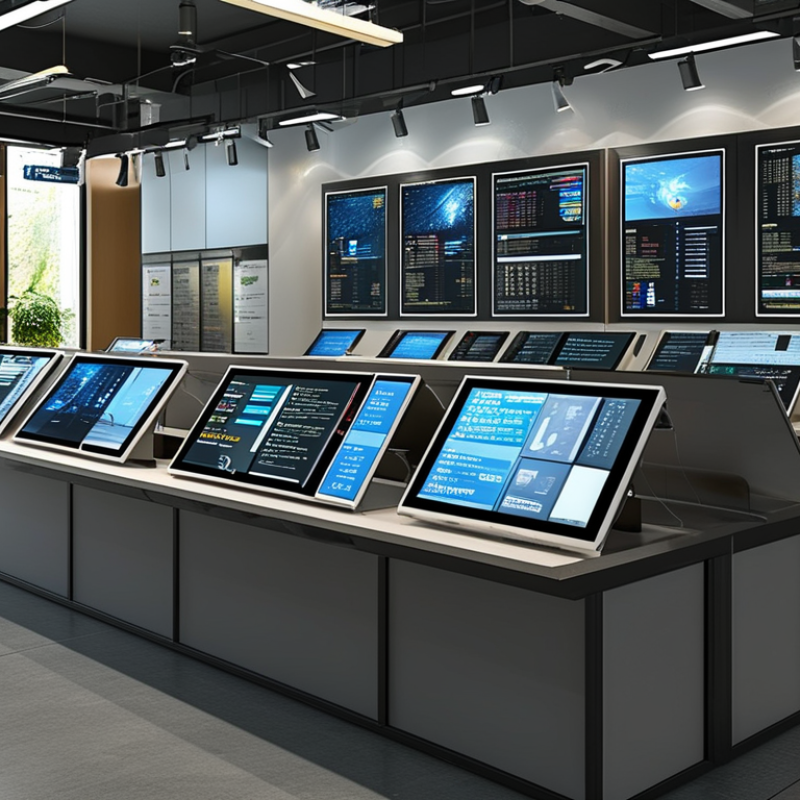
Capacitive touchscreen technology is a popular choice for modern electronic devices. This technology relies on the electrical properties of the human body. When you touch the screen, it detects changes in capacitance. This allows for high precision and responsiveness. Unlike resistive screens, capacitive displays do not require pressure to operate. This makes them more user-friendly and intuitive.
Understanding how a capacitive touchscreen works can guide your selection process. These displays are often made of glass, providing durability and clarity. The sensitivity of a capacitive touchscreen can vary. Factors like the type of touch, whether it’s a finger or stylus, influence performance. Users often prefer larger screens for ease of interaction. However, a smaller display can fit compact devices better.
While capacitive technology offers many advantages, it is not without flaws. In certain conditions, like humidity or extreme temperatures, responsiveness may diminish. Users might find multi-touch capabilities vary between modules. Not all capacitive displays support pinch-to-zoom or swipes as expected. It's essential to consider these aspects when making decisions. A thorough evaluation ensures the chosen module meets your needs effectively.

When selecting a capacitive touchscreen display module, several key features should guide your choice. Touch sensitivity matters greatly. A responsive screen enhances user experience. Look for specifications that detail the touch response time. Fast response ensures smooth interaction.
Multi-touch capability is another important feature. It enables several touches simultaneously, which is vital for applications requiring gestures.
Resolution is crucial too. Higher resolution displays provide clearer images and sharper text. Evaluate the pixel density to ensure quality. You should also consider the display size. A screen that is too small may limit usability. Meanwhile, large displays can take up more space but offer better interaction.
Durability cannot be overlooked. Touchscreens can be prone to damage. Check for features like scratch resistance and waterproof capabilities. Such qualities enhance longevity.
Battery consumption is another aspect worth checking. A display that requires less power can prolong device life. Overall, weighing these features carefully can lead to more informed decisions. Yet, it's essential to reflect on your specific needs. Your choice should align with the intended application, ensuring that the touchscreen display serves its purpose effectively.
When selecting a capacitive touchscreen display module, evaluating display sizes and resolutions is crucial. Various applications demand different requirements. For instance, smaller devices like wearables may not need high resolution, unlike large interactive kiosks. Consider the intended use before deciding on the size. If the display is meant for detailed graphics, a larger screen with high pixel density will enhance user experience.
Tips: Aim for a balance between size and resolution. A resolution of 1920x1080 might be ideal for most applications, providing clarity without compromising performance. However, usability can suffer if a display is too large for your device, making touch response sluggish.
Another aspect to consider is the environment where the display will be used. Indoor settings may permit lower resolutions, while outdoor use demands higher brightness and contrast. Direct sunlight can wash out a display, making size and resolution even more critical in these scenarios. Ensure the module can withstand such conditions.
Tips: Test potential modules in real-world situations. Always evaluate touch response alongside visual quality. This ensures that your end-users have the best experience possible.
When selecting a capacitive touchscreen display, touch sensitivity and response time are crucial factors. Touch sensitivity refers to how well the screen detects the user's touch, while response time measures how quickly the device reacts. According to industry reports, the ideal touchscreen should have a sensitivity rating of at least 80% and a response time under 10 milliseconds. These metrics enhance user experience and ensure smooth interaction.
Several factors can impact these ratings. For instance, the thickness of the protective glass can influence sensitivity; thicker glass may reduce responsiveness. Industry studies suggest that touchscreen displays with a thinner layer of protective materials offer better performance, but durability could be compromised. Additionally, environmental factors such as humidity and temperature may affect the touchscreen's responsiveness, leading to inconsistencies in performance.
Despite advancements, challenges remain. Some modules excel in sensitivity but lag in response time. It’s essential to evaluate both aspects in real-world scenarios. Users may find that a highly sensitive screen might not always register quick swipes effectively. This leaves room for improvement and considerations when choosing the right module for specific applications. User feedback highlights a mix of experiences, emphasizing the importance of thorough testing in diverse conditions.
| Display Size (inches) | Touch Sensitivity (g) | Response Time (ms) | Resolution (pixels) | Price (USD) |
|---|---|---|---|---|
| 7 | 50 | 15 | 800x600 | 40 |
| 10.1 | 60 | 10 | 1280x800 | 70 |
| 15.6 | 45 | 8 | 1920x1080 | 150 |
| 12.5 | 55 | 12 | 1366x768 | 85 |
| 21.5 | 70 | 6 | 1920x1080 | 200 |
When choosing a capacitive touchscreen display module, it's crucial to assess compatibility with your specific projects and devices. Start by identifying the communication protocols your device uses. Many modules support various interfaces such as I2C, SPI, or USB. Make sure the module you select aligns with your existing hardware. An incompatible interface can hinder functionality and lead to wasted resources.
Consider the display size and resolution in relation to your project's requirements. A larger, high-resolution screen may provide a better user experience but could consume more power. Check the power supply needs of the touchscreen module. Different displays have varying power requirements that must match your device's specifications. If power is misaligned, it may cause performance issues or even damage the display.
Finally, evaluate the physical dimensions of the touchscreen module. The module should fit well within your project's design. It’s common to overlook space constraints, leading to modifications later. The mounting options available for the touchscreen can impact installation and usability. A well-fitted touchscreen enhances overall user interaction, while a poorly chosen one can lead to frustration. Doing thorough research and planning can make a significant difference.